Guest Networks and Traffic Management: The Key to Faster, More Reliable Wi‑Fi

Guest Networks and Traffic Management: The Key to Faster, More Reliable Wi‑Fi
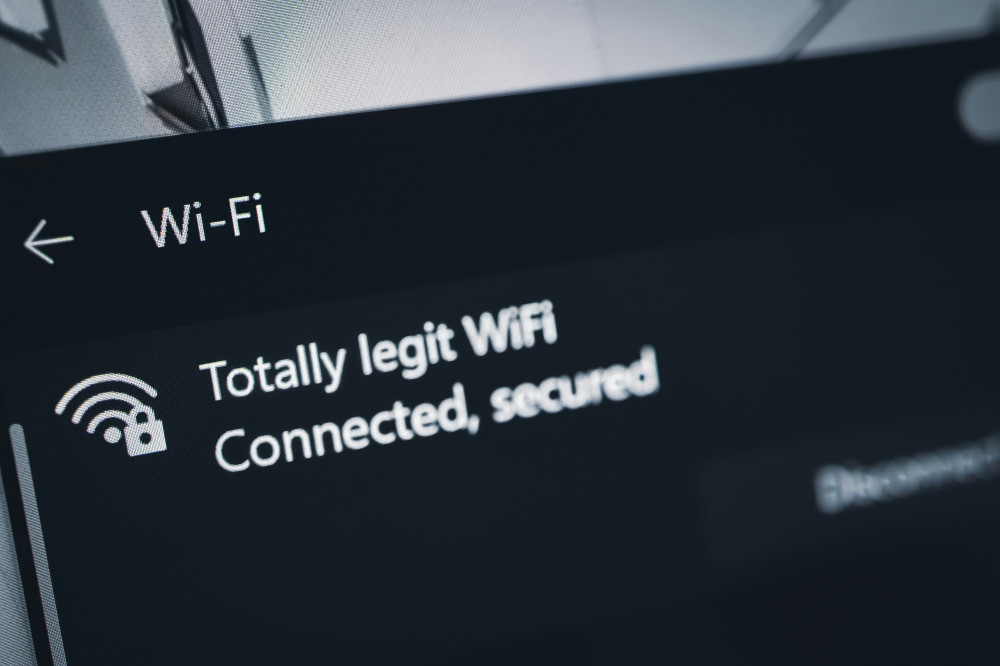
Fast, reliable Wi‑Fi has become a necessity in most American homes, yet many people still struggle with slow speeds or dropped connections—especially when multiple devices are online at once. Fortunately, there are simple ways to improve your network’s performance. Two of the most effective are setting up a guest network and using traffic management (also known as QoS, or Quality of Service). Together, they can make your Wi‑Fi faster, more stable, and more secure.
Why a Guest Network Makes a Difference
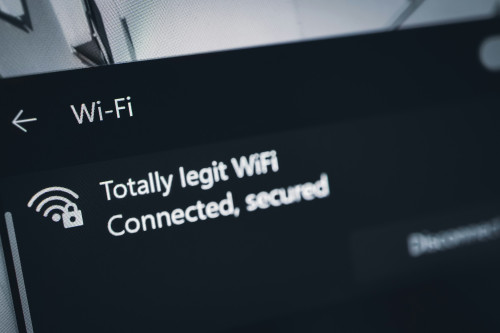
A guest network is a separate wireless network that you can share with visitors, contractors, or anyone who needs temporary internet access. It might sound like a luxury, but it offers several practical benefits.
- Security: Guests can connect to the internet without gaining access to your personal devices, such as computers, printers, or smart‑home systems. This helps protect your data and privacy.
- Stability: When guests stream videos or download files, their activity can slow down your main network. A guest network keeps that traffic separate, so your own connection remains steady.
- Control: You can easily change the password or disable the guest network when it’s not needed—without affecting your primary Wi‑Fi.
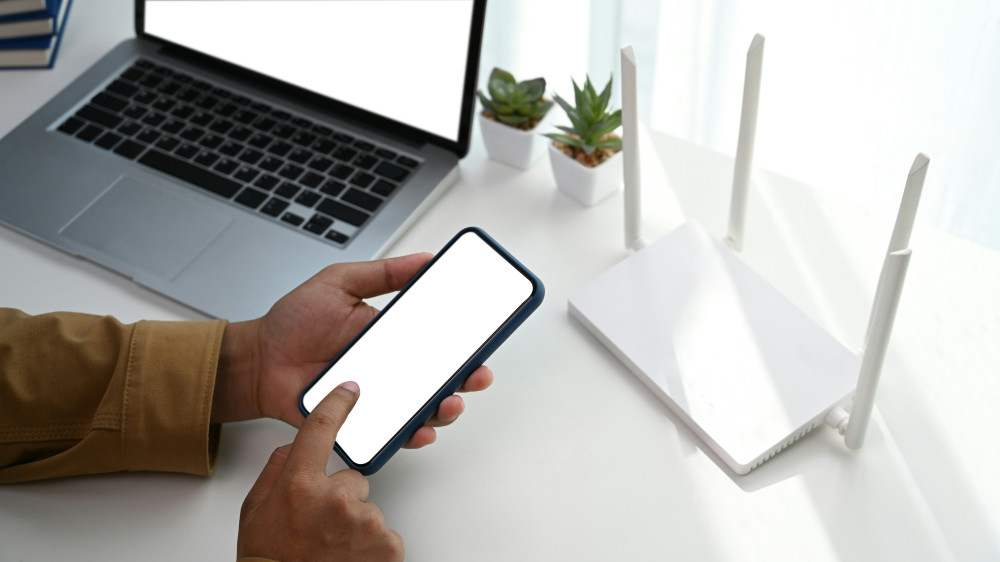
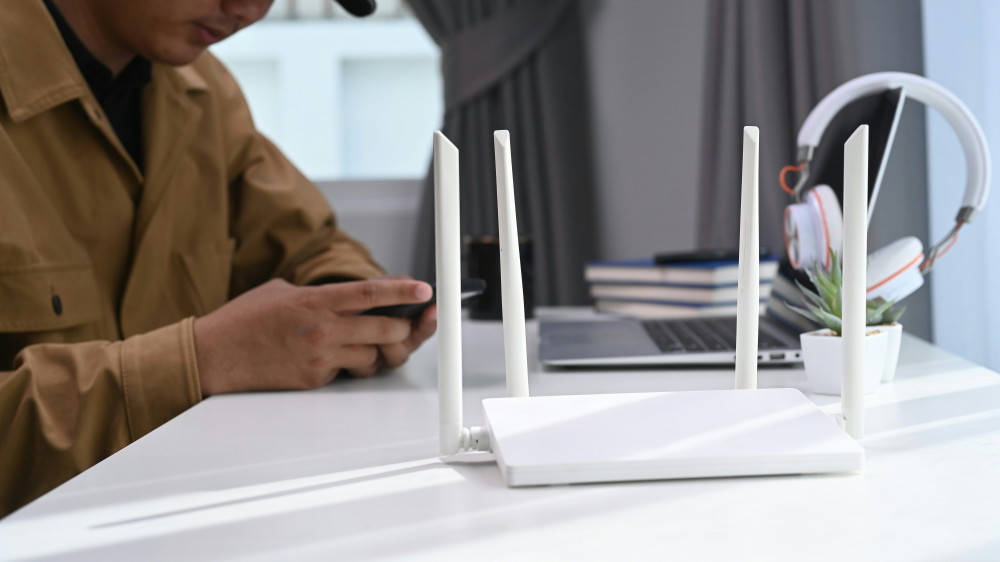
Most modern routers from brands like Netgear, TP‑Link, or ASUS include a built‑in guest network feature. You can usually enable it through the router’s app or web interface in just a few minutes.
Traffic Management – Prioritizing What Matters Most
Traffic management, or QoS, allows you to give certain types of data higher priority on your network. This ensures that video calls, streaming, or online gaming get the bandwidth they need, even when other devices are downloading updates or large files.
Many routers offer QoS settings that let you:
- Prioritize devices: For example, your work laptop or gaming console.
- Prioritize activities: Such as video conferencing, streaming, or gaming.
- Limit bandwidth: So one device doesn’t consume all available capacity.
By enabling traffic management, you prevent one user or device from slowing down the entire network. The result is a smoother, more predictable online experience for everyone in your household.
Combining Guest Networks and Traffic Management
The best results come when you use both features together. The guest network keeps outside devices isolated, while traffic management ensures your most important activities always come first.
Imagine you’re working from home on a video call while your kids are streaming movies and guests are checking social media. With traffic management, your video call stays clear and uninterrupted, and with a guest network, your visitors’ activity won’t interfere with your connection.
Læs også:
Extra Tips for Faster Wi‑Fi
Even with guest networks and traffic management, a few additional tweaks can make a big difference:
- Place your router centrally in your home and away from walls or obstructions.
- Update your router’s firmware regularly for better performance and security.
- Use the 5 GHz band for faster speeds at shorter distances.
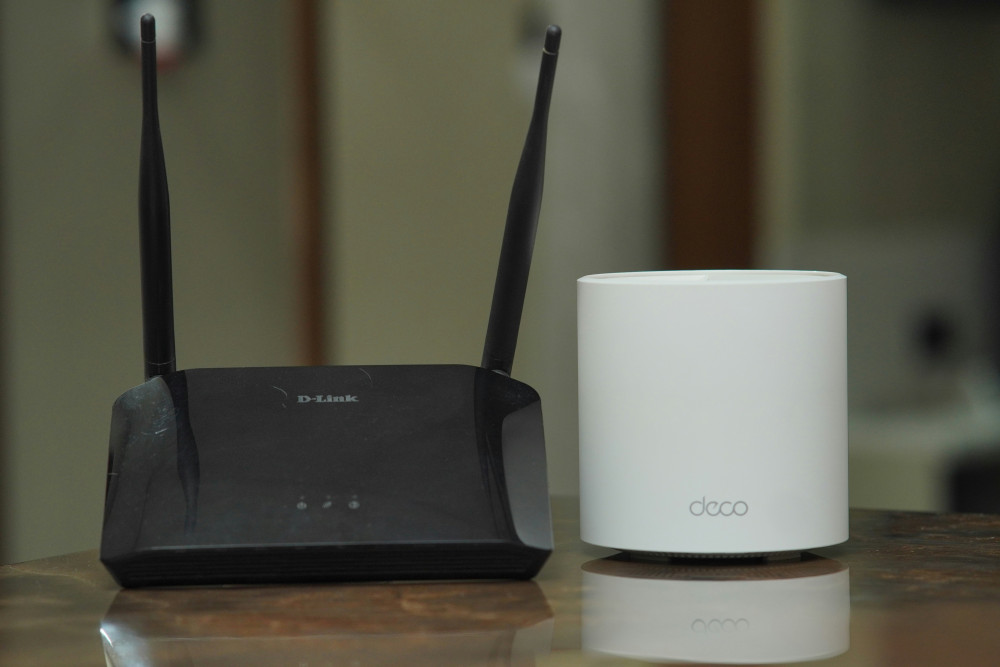
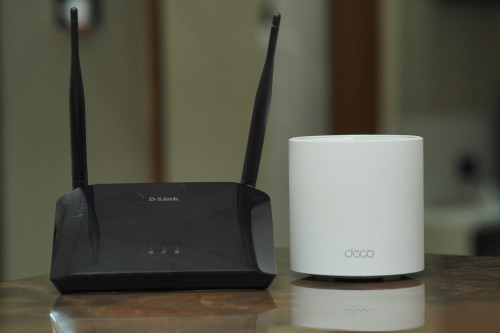
- Consider a mesh Wi‑Fi system if you have a large home or multiple floors.
Small adjustments like these can significantly improve your Wi‑Fi performance—especially when combined with smart network management.
A Smarter Network for Everyday Life
A great Wi‑Fi connection isn’t just about speed—it’s about stability, security, and peace of mind. With a guest network, you protect your personal data, and with traffic management, you control how your bandwidth is used. Together, they create a network that works for you, not against you.
Læs også: