Extend the Lifespan of Your Gadgets with Effective Software Updates


Extend the Lifespan of Your Gadgets with Effective Software Updates
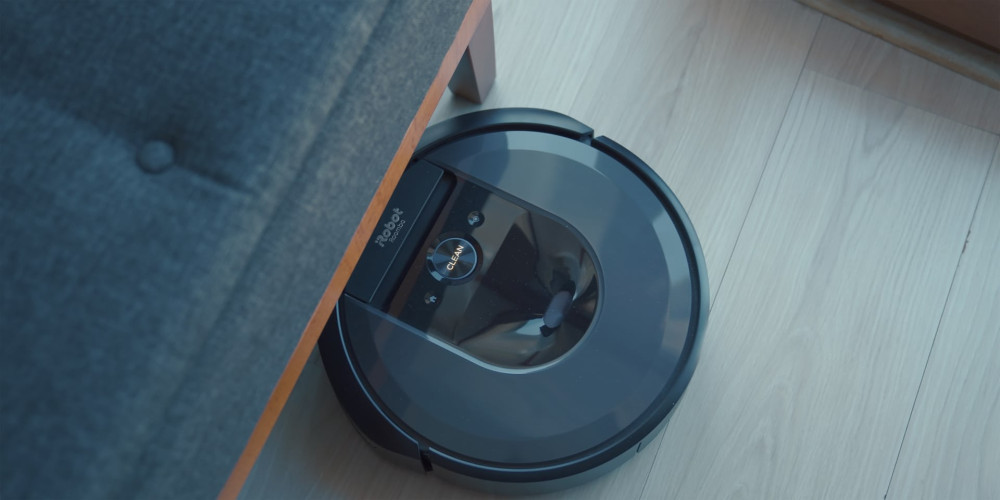
Most of us own a growing collection of gadgets—smartphones, tablets, smartwatches, speakers, and even robot vacuums. While we often protect them with sturdy cases and regular cleaning, we tend to forget that the most important maintenance happens on the inside. Software updates are one of the simplest and most effective ways to keep your devices running smoothly for years. Here’s why they matter and how to make the most of them.
Why Software Updates Matter
A software update isn’t just about flashy new features or a redesigned interface. The real value often lies beneath the surface—in improved security, bug fixes, and performance optimizations.
When manufacturers release updates, they patch vulnerabilities that hackers could exploit, fine-tune system performance, and improve battery efficiency. These updates help your device stay secure, fast, and compatible with new apps and services, extending its useful life long after the initial purchase.
Security First – Protect Your Data
Skipping updates can put your personal information at risk. Without the latest security patches, your device becomes more vulnerable to malware, phishing, and unauthorized access.
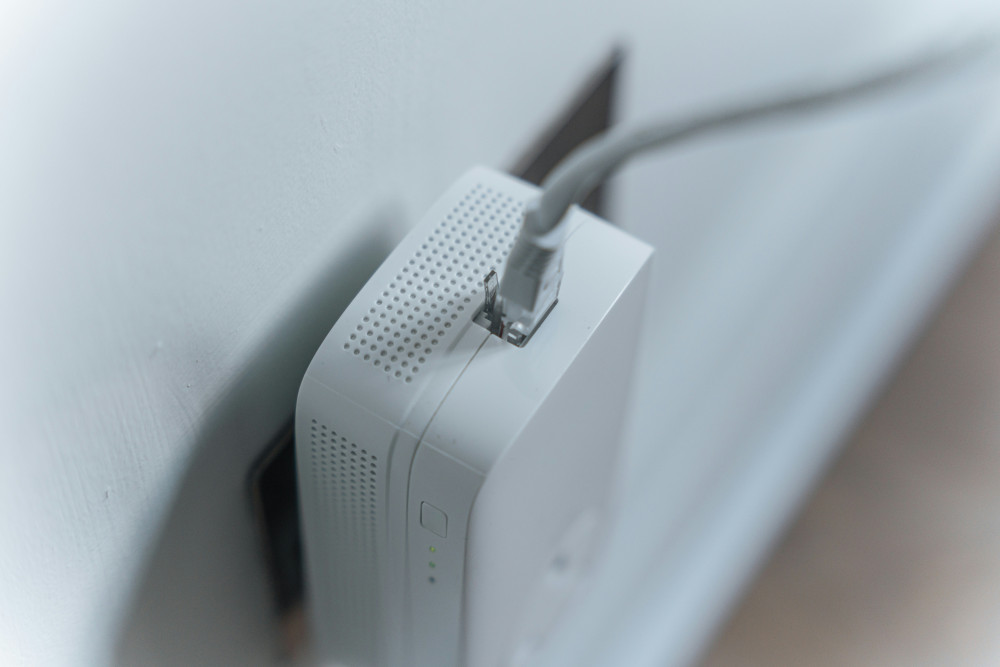
This applies not only to computers and phones but also to smart home devices like thermostats, cameras, and speakers connected to the internet. These Internet of Things (IoT) products are convenient—but only if they’re kept secure through regular updates.
A simple way to stay protected is to enable automatic updates whenever possible. That way, your devices stay current without you having to remember to check manually.
Performance and Stability – Small Changes, Big Impact
If your phone or tablet feels slower than it used to, outdated software might be the reason. Updates often include performance improvements that optimize how your device manages memory, battery, and processing power.
Manufacturers also use updates to add new features—like improved camera modes, smarter voice assistants, or better energy management. These enhancements can make your device feel almost new again, saving you the cost and hassle of upgrading prematurely.
Læs også:




How to Stay on Top of Updates
Keeping track of updates across multiple devices can seem overwhelming, but a few simple habits make it easy:
- Check for updates regularly—especially if you’ve turned off automatic updates.
- Keep your apps up to date—outdated apps can cause crashes or security issues.
- Restart your devices occasionally—some updates only take effect after a reboot.
- Ensure a stable internet connection and power source—interrupting an update can cause problems.
- Follow manufacturer instructions—especially for smart home devices that may require special steps.
When Support Ends
Even the best-maintained software eventually reaches the end of its support life. After a few years, manufacturers stop releasing updates for older models. When that happens, your device may no longer be secure for sensitive tasks like online banking or email.
If you have an older smartphone or tablet that no longer receives updates, consider repurposing it instead of throwing it away. It could serve as a music player, a smart remote, or a dedicated camera.
The Environmental Bonus
Extending the life of your gadgets isn’t just good for your wallet—it’s good for the planet. Electronics manufacturing consumes valuable resources and energy, and electronic waste is a growing environmental challenge.
By keeping your devices updated and functional for longer, you reduce the need to buy new ones and help minimize e-waste. It’s a small step that makes a meaningful difference.
Make Updates a Habit
Software updates may not be the most exciting part of owning technology, but they’re one of the most powerful ways to protect and preserve it. By keeping your systems current, you ensure better performance, stronger security, and a longer lifespan for your gadgets.
So the next time your phone or laptop prompts you to install an update, don’t postpone it—hit “install.” It’s a quick action that pays off in reliability, safety, and savings.
Læs også: